Artwork page overhaul
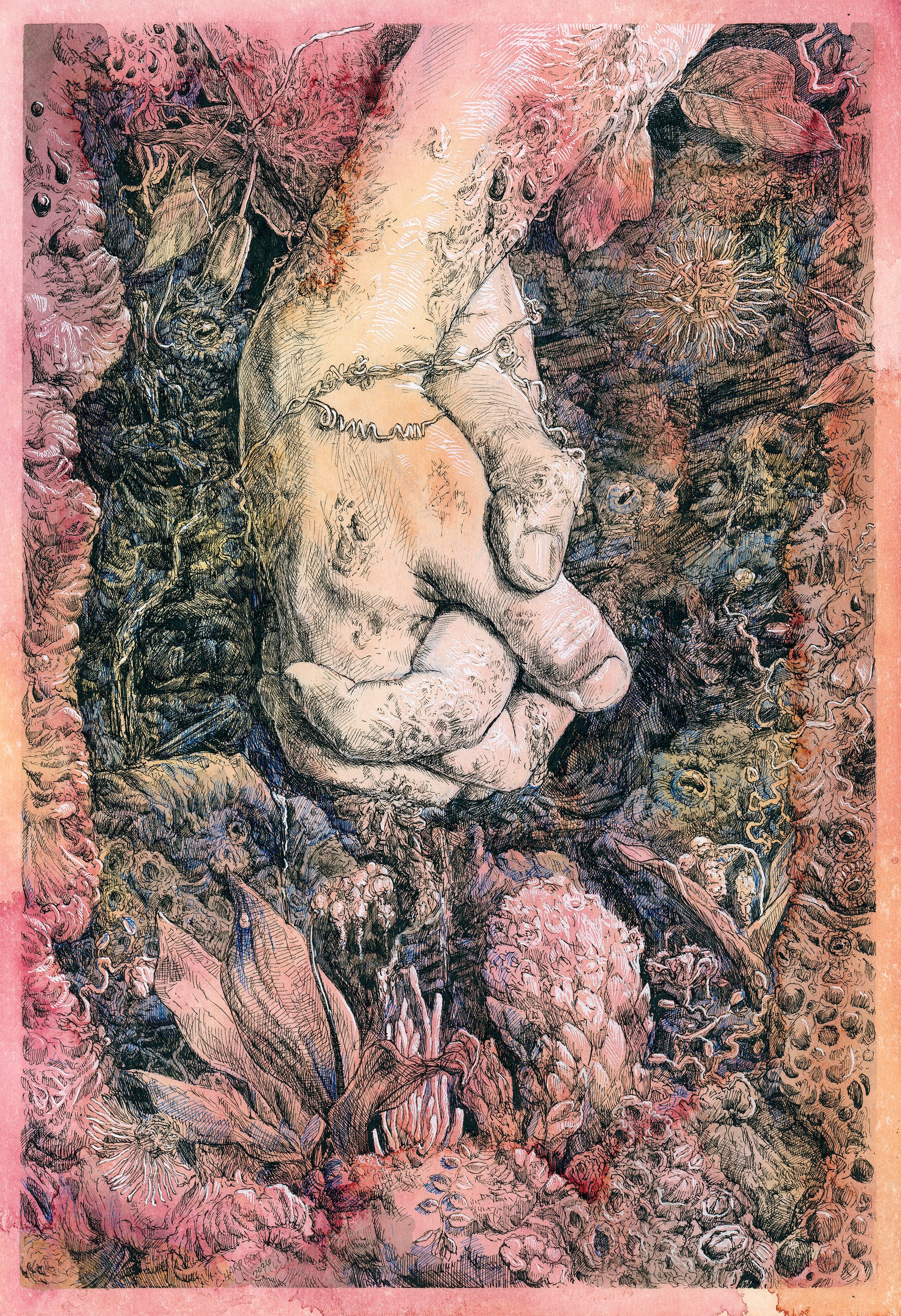
Artwork is super important. It's often the first thing you see when you encounter an album you've never heard of. Many things on Ampwall are designed around art:
The home page is meant to look like a record store’s “staff picks” section. It’s a big ol’ wall of artwork, and picking something to listen to means clicking on the album artwork
There’s a section for linking to a visual artists webpage on your album and its presented to listeners directly below the artwork image
Visual art is its own category on Ampwall
Our digital goods feature was made with visual artists in mind
Physical merch items can have visual artist shoutouts
We had the very first anti AI-image policy for a music platform
We value what art does for music. So we want to do what we can to ensure visual artists feel respected and included as part of the music scene. Most online music spaces tend to “other” them, if they're even included at all.
A few months after our initial public launch, Chris put together our artwork support. When we built these pages, we focused most on back end development so we could make something functional and make sure it was an early part of the Ampwall experience. We knew we needed something that could help us build a culture that values visual art. As the platform grows, we think it’s important to keep improving our artwork pages, making them easier to use and nicer to look at. Artwork does so much for music, and we want to make sure Ampwall continues to improve what it can do for visual artists.
So, I’ve done my best to bring the Artwork experience to a higher standard. Here’s some changes:
The images themselves should now be taking up as much real estate on the screen as possible, while just keeping enough room for the title and artist name at the bottom of the screen
Background gradient uses colors of the focused image, making the page feel like a stage for the currently highlighted image
Carousel features multiple ways of scrolling, including arrow keys!
The image lightbox (the thing that pops up when you click on an image to make it really big) now has a full screen mode if you just really, really need to see the image as big as it can get
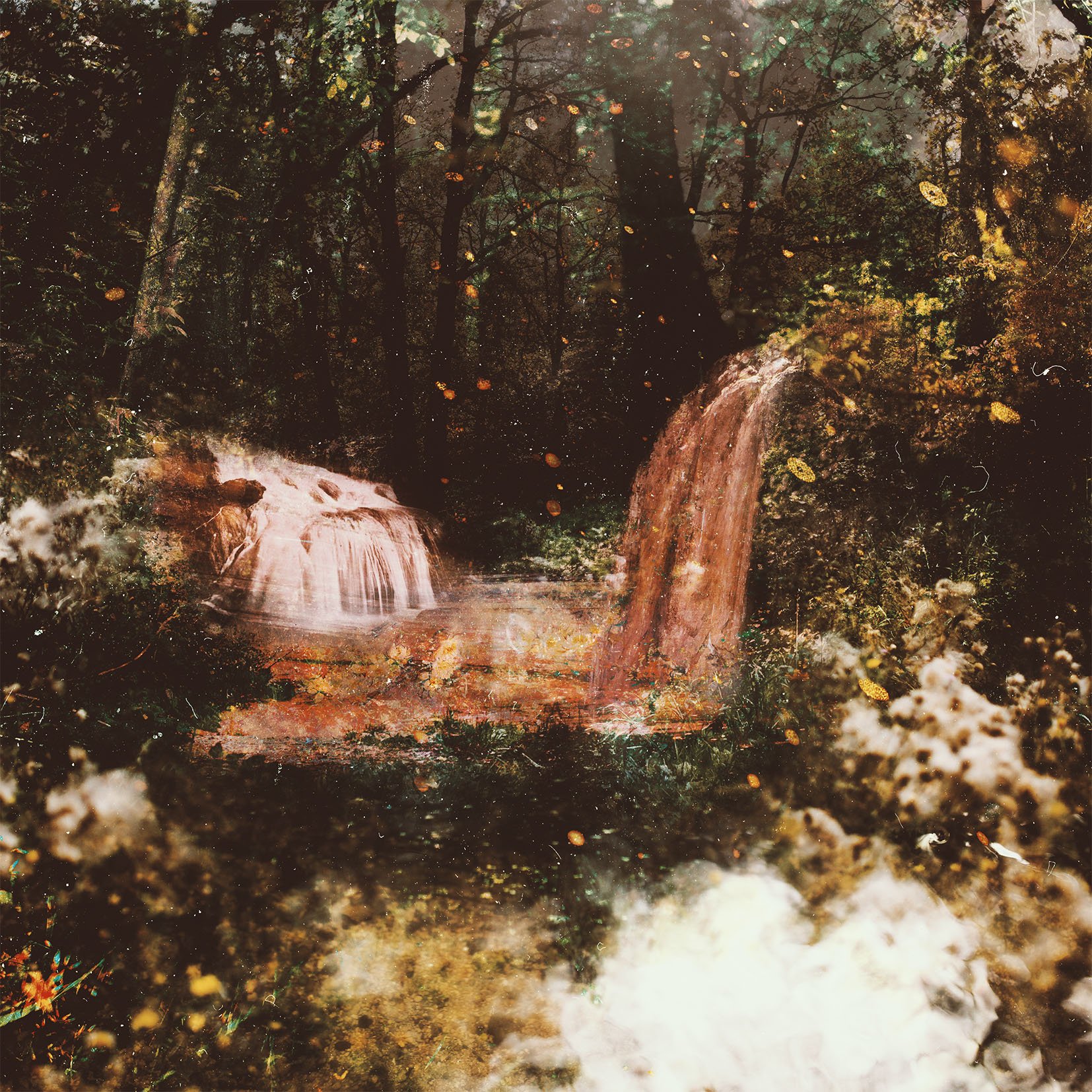
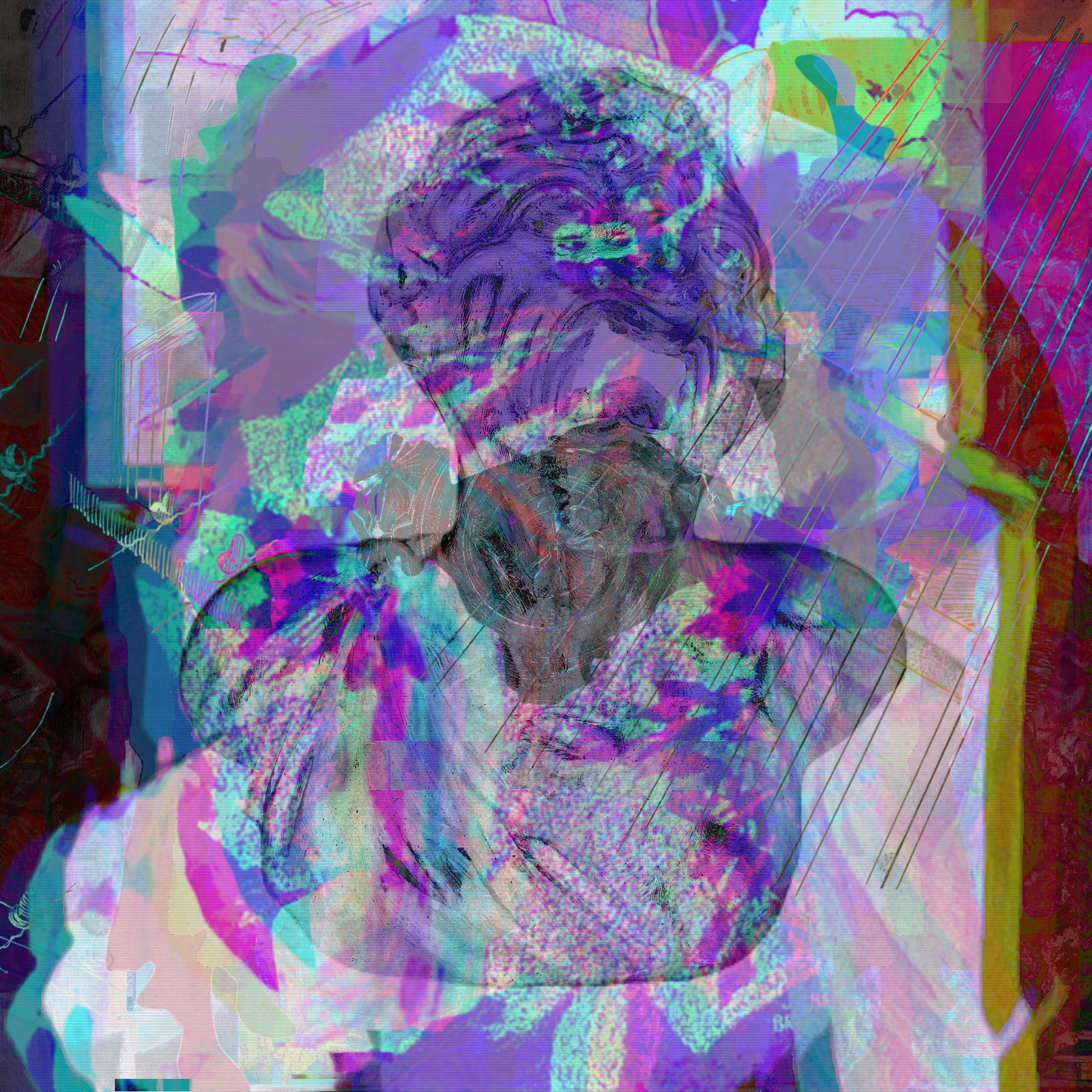
There’s more than that, I encourage everyone to go check out some artworks on our platform, and to tell their artist friends how cool we are. If you’re having some trouble here’s a few to get you started (oh yeah, artwork has blog embed support too) :