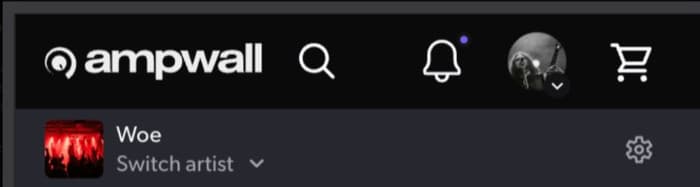
Easier access to artist admin tools
The smallest of small updates: since removing our persistent secondary artist controls bar on desktop, we’ve heard that it can be hard to find common tasks like adding music. On desktop, this was hidden within the “Switch artist” menu: you’d open the menu and hover over the artist name, then the options would appear.
Now, you’ll see a persistent gear icon next to your artist name. Tap on this to open the menu. You can still get to it from the “Switch artist” menu but now you can save a step.
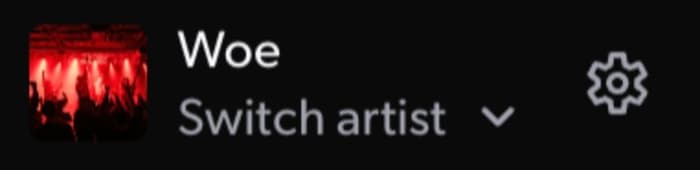
Mobile still has a separate bar for artists, and on small-but-not-mobile screen sizes you’ll see this with some artist controls visible, overflow going into the menu. We replaced the old hamburger menu icon (that’s a real thing, look it up) with the gear icon for consistency with desktop.